Why use change orders
On almost every project the client asks for something extra, or the site reveals a surprise. A signed change order records what changes, what it costs and how it affects the schedule, before the work starts. That prevents the most common payment dispute in construction: "I never agreed to that."
How the contract sum is calculated
| Original contract sum | the price in the signed contract |
|---|---|
| + Net change by previous change orders | all earlier approved changes |
| = Contract sum prior to this change order | |
| + This change order | the line items below |
| = New contract sum | calculated automatically |
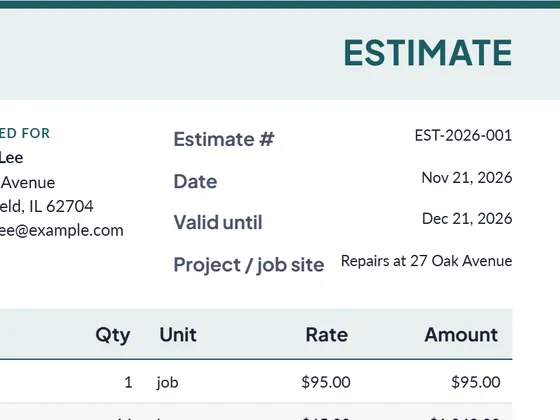
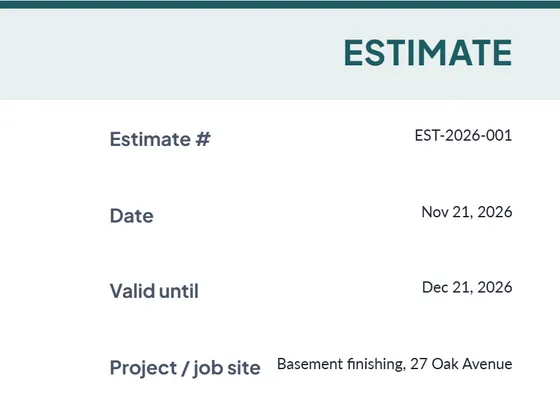
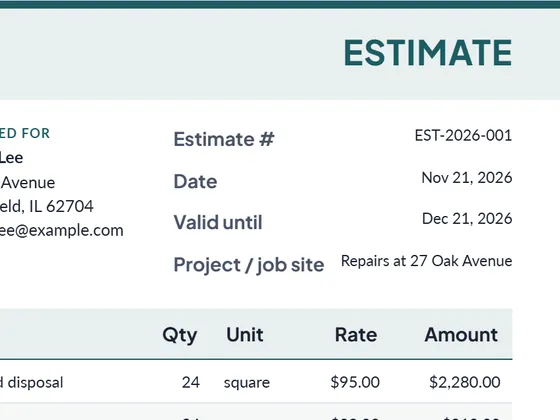
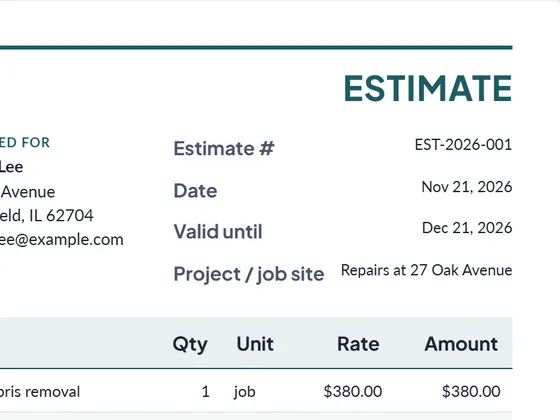
Enter a negative price for work that is removed from the scope. Start the next project with a construction estimate.
Frequently asked questions
Who signs a change order?
Both the contractor and the owner or client, before the changed work begins.
Can a change order reduce the price?
Yes. Enter removed work with a negative price; the new contract sum goes down.
Can I download it as Word or Excel?
Yes. Every document downloads as PDF, Word (.docx) and Excel (.xlsx). The Excel file keeps working formulas for line totals, tax and the grand total, so you can keep editing it offline.
Is it really free?
Yes. Creating and downloading documents is free and needs no account. Free documents carry a small "Created with PlanPrint" line at the bottom. Documents Pro removes it and adds a saved client and item library.
Guides
- How to write a change order
What a construction change order contains, how to calculate the new contract sum and time, and a worked example following the structure of the AIA G701 form.
- Estimate vs quote vs bid vs proposal
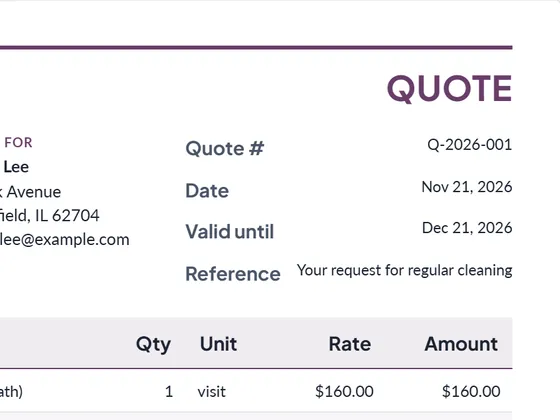
What separates an estimate, a quote, a bid and a proposal, when to send which, and what each document should contain. With a side-by-side comparison table.
- How to write an estimate customers say yes to
How to write a job estimate step by step: scope, line items, materials and labor, exclusions, validity date and payment terms, with a worked example.