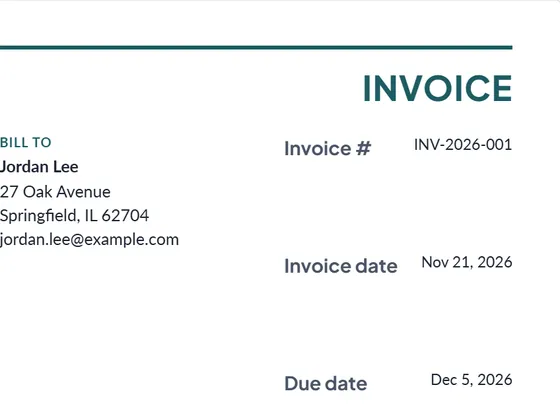
What an auto repair invoice should show
- Your shop: name, address, phone and any license or registration number your state gives repair shops.
- The customer and the vehicle: year, make and model, VIN, odometer reading and license plate. The vehicle fields are built in.
- Parts, each with part number, quantity and price. Say whether a part is new, used or rebuilt in the description.
- Labor as hours at your rate, one line per job, so the customer sees what each repair cost.
- Shop supplies, tax and any discount.
- Warranty on parts and labor, in the terms box.
Some states require repair shops to itemize parts and labor on the invoice and to say whether parts are new, used or rebuilt. Check your state's rules.
Estimate first, invoice after the repair
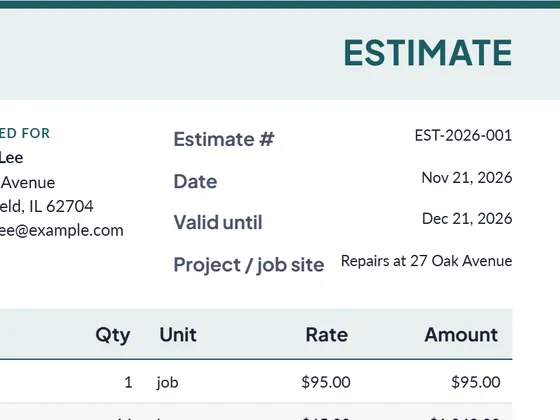
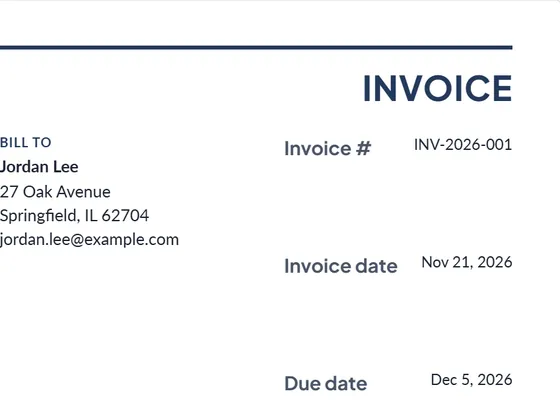
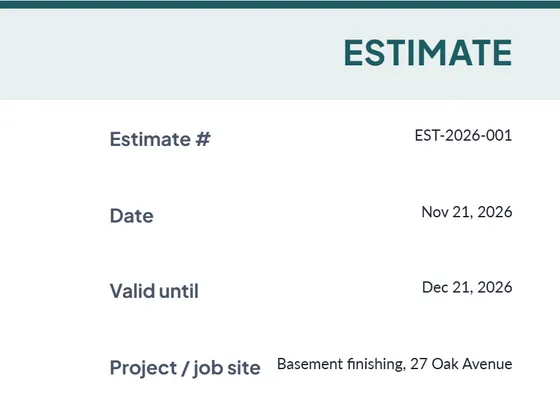
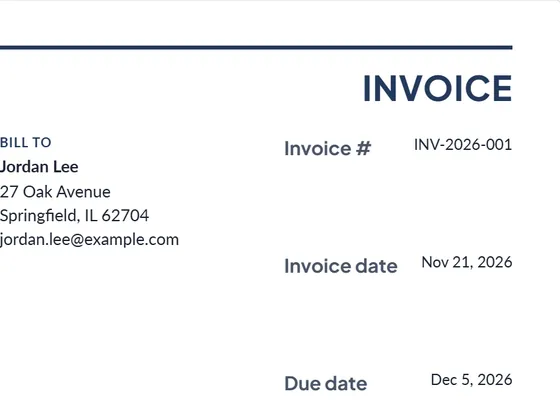
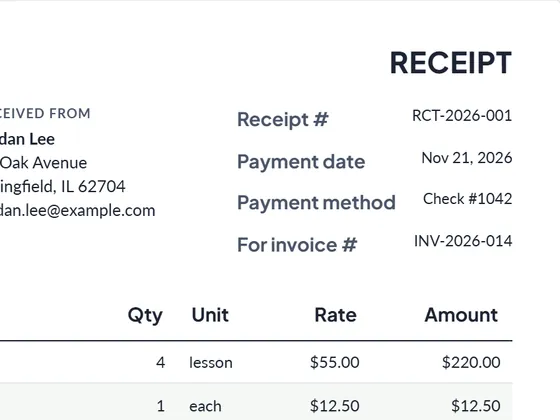
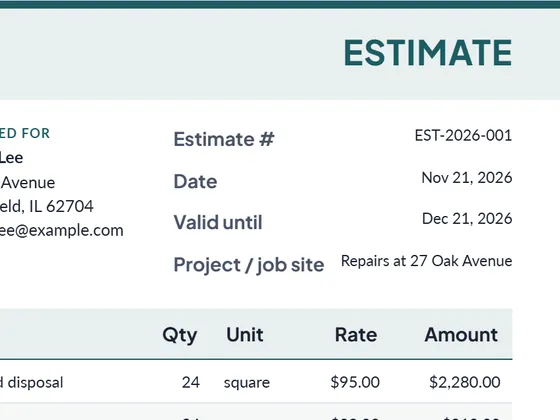
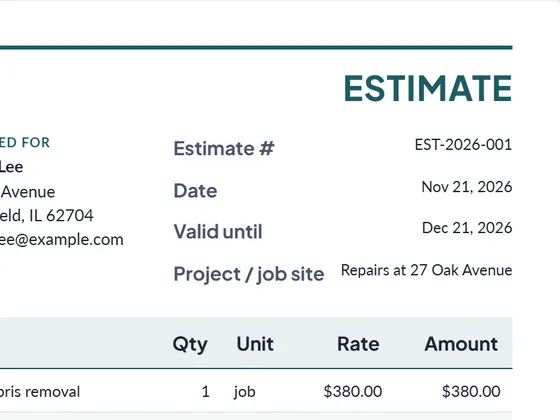
Write an estimate for the customer to approve before you start, then turn it into the invoice with the same lines in one click. When the customer pays, create a receipt from the invoice.
Frequently asked questions
Can I add the VIN and mileage?
Yes. The vehicle, VIN, odometer and license plate fields are built in and print in the invoice header.
How do I list parts and labor separately?
Add each part as a line with its part number in the Part # column, and each labor job as its own line in hours with your hourly rate. Totals and tax calculate themselves.
Can customers pay online?
Paste a payment link from Stripe, PayPal or Square into "Pay online link". The PDF then has a "Pay online" button that opens it.
Can I download it as Word or Excel?
Yes. Every document downloads as PDF, Word (.docx) and Excel (.xlsx). The Excel file keeps working formulas for line totals, tax and the grand total, so you can keep editing it offline.
Is it really free?
Yes. Creating and downloading documents is free and needs no account. Free documents carry a small "Created with PlanPrint" line at the bottom. Documents Pro removes it and adds a saved client and item library.
Guides
- Estimate vs quote vs bid vs proposal
What separates an estimate, a quote, a bid and a proposal, when to send which, and what each document should contain. With a side-by-side comparison table.
- How to write an estimate customers say yes to
How to write a job estimate step by step: scope, line items, materials and labor, exclusions, validity date and payment terms, with a worked example.
- Net 30 and 2/10 net 30 payment terms, explained
What net 30, net 15 and 2/10 net 30 mean, how to calculate the due date and the early-payment discount, and why skipping a 2% discount costs about 37% a year.