What an HVAC service invoice should show
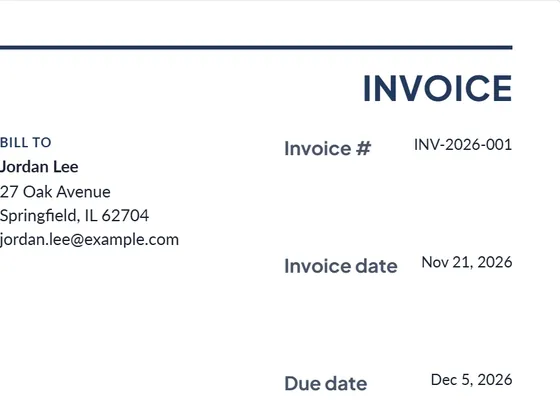
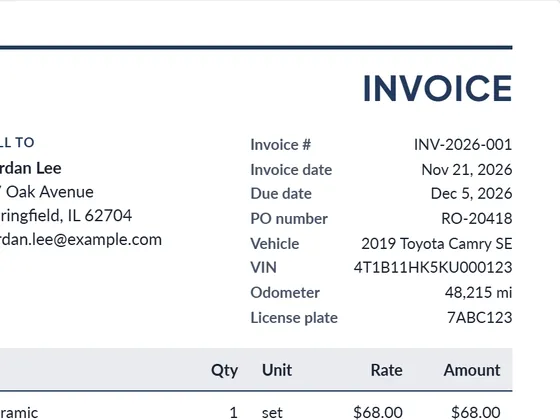
- Equipment: make, model and serial number of the unit you worked on (add them in the notes). It saves time on the next visit and on warranty claims.
- Diagnostic or trip fee as its own line.
- Parts with part number and quantity.
- Refrigerant by type and pounds added.
- Labor in hours at your rate.
- Warranty terms for parts and labor, in the terms box.
- Technician name and the work done, briefly, so the customer knows what was fixed.
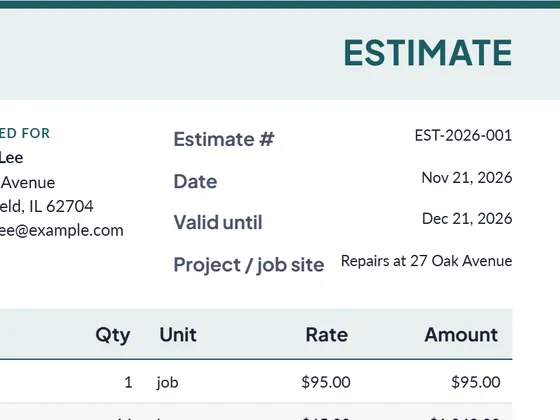
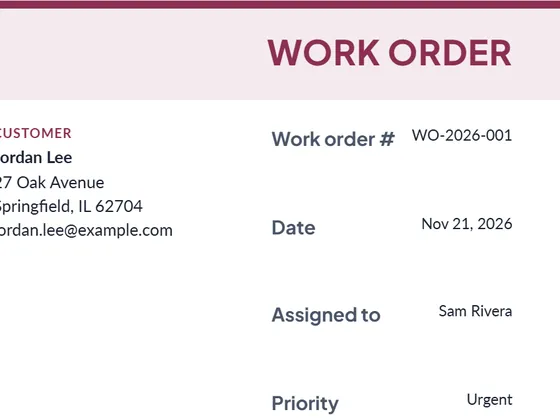
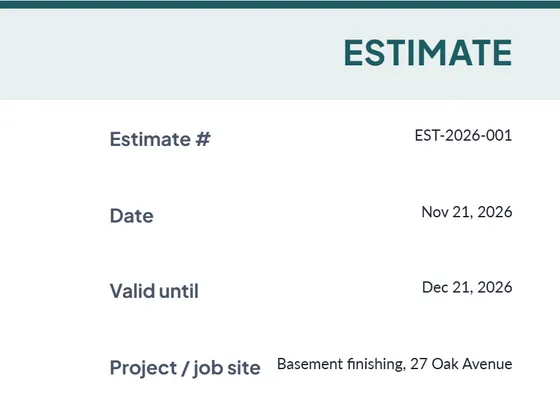
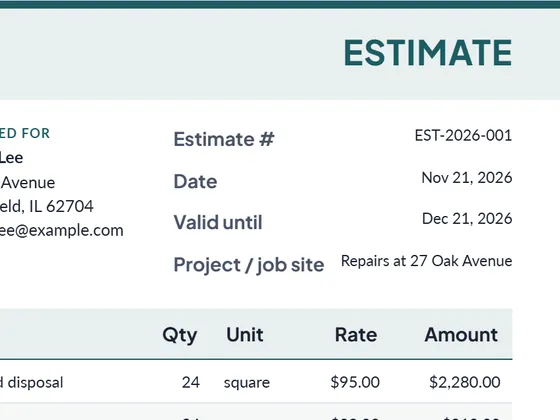
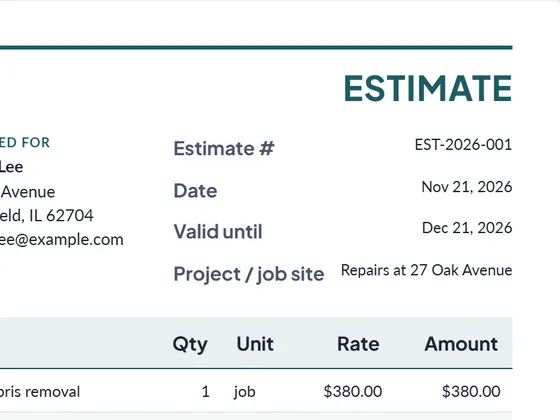
Plan the job first with a work order, and for larger installs send an estimate before you start.
Frequently asked questions
Can I hand the customer an invoice on site?
Yes. Fill it in on a phone or tablet, download the PDF and e-mail it, or print a blank PDF form to fill in by hand in the truck.
Can I download it as Word or Excel?
Yes. Every document downloads as PDF, Word (.docx) and Excel (.xlsx). The Excel file keeps working formulas for line totals, tax and the grand total, so you can keep editing it offline.
Is it really free?
Yes. Creating and downloading documents is free and needs no account. Free documents carry a small "Created with PlanPrint" line at the bottom. Documents Pro removes it and adds a saved client and item library.
Guides
- What is a work order?
A work order authorizes and describes a job: what to do, where, who does it, by when and at what cost. Types, what to include, and work order vs purchase order.
- Estimate vs quote vs bid vs proposal
What separates an estimate, a quote, a bid and a proposal, when to send which, and what each document should contain. With a side-by-side comparison table.
- How to write an estimate customers say yes to
How to write a job estimate step by step: scope, line items, materials and labor, exclusions, validity date and payment terms, with a worked example.