What is a purchase order?
A purchase order (PO) is the document a buyer sends to a supplier to order goods or services. It states what you want, how many, at what price and when. Once the supplier accepts it, it becomes a binding order, and the PO number then appears on the supplier's invoice, so you can match the two.
What to include on a PO
- PO number and date: every order gets its own number.
- Vendor and ship-to address.
- Items with SKU or part number, quantity, unit price and line total.
- Delivery date, shipping method and payment terms (for example Net 30).
- Who requested and who approved the order.
Purchase order vs. invoice
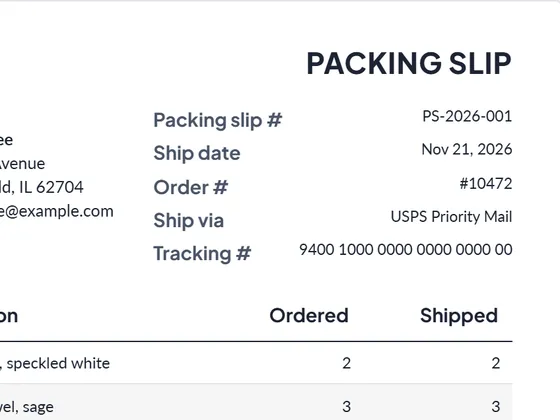
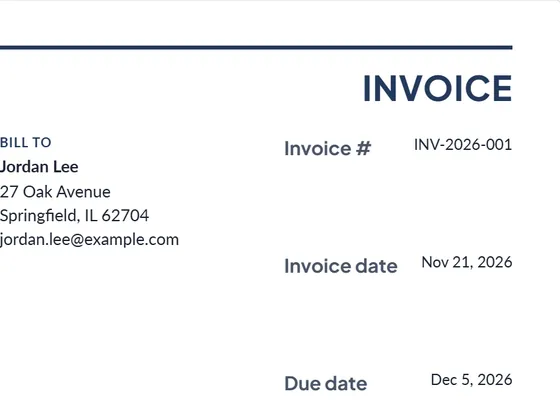
The buyer sends the purchase order before delivery; the seller sends the invoice after delivery. Small businesses that sell goods often get both: a PO from the customer, then they send an invoice and a packing slip with the shipment.
Frequently asked questions
Who creates a purchase order, the buyer or the seller?
The buyer. The seller replies with an order confirmation and later an invoice that references the PO number.
What does Net 30 mean on a purchase order?
Payment is due 30 days after the invoice date.
Can I download it as Word or Excel?
Yes. Every document downloads as PDF, Word (.docx) and Excel (.xlsx). The Excel file keeps working formulas for line totals, tax and the grand total, so you can keep editing it offline.
Is it really free?
Yes. Creating and downloading documents is free and needs no account. Free documents carry a small "Created with PlanPrint" line at the bottom. Documents Pro removes it and adds a saved client and item library.
Is my data uploaded anywhere?
No. The generator runs in your browser. Your business details, logo and documents are stored only on your device so they are there next time.
Guides
- The purchase order process and the three-way match
How a purchase order moves from request to payment, what goes on a PO, and how the three-way match checks the PO, the receiving report and the invoice.
- Purchase order vs. invoice
A purchase order is the buyer's order; an invoice is the seller's request for payment. Who sends each, when, what is on them, and how both are matched.
- Estimate vs quote vs bid vs proposal
What separates an estimate, a quote, a bid and a proposal, when to send which, and what each document should contain. With a side-by-side comparison table.